as Creativ
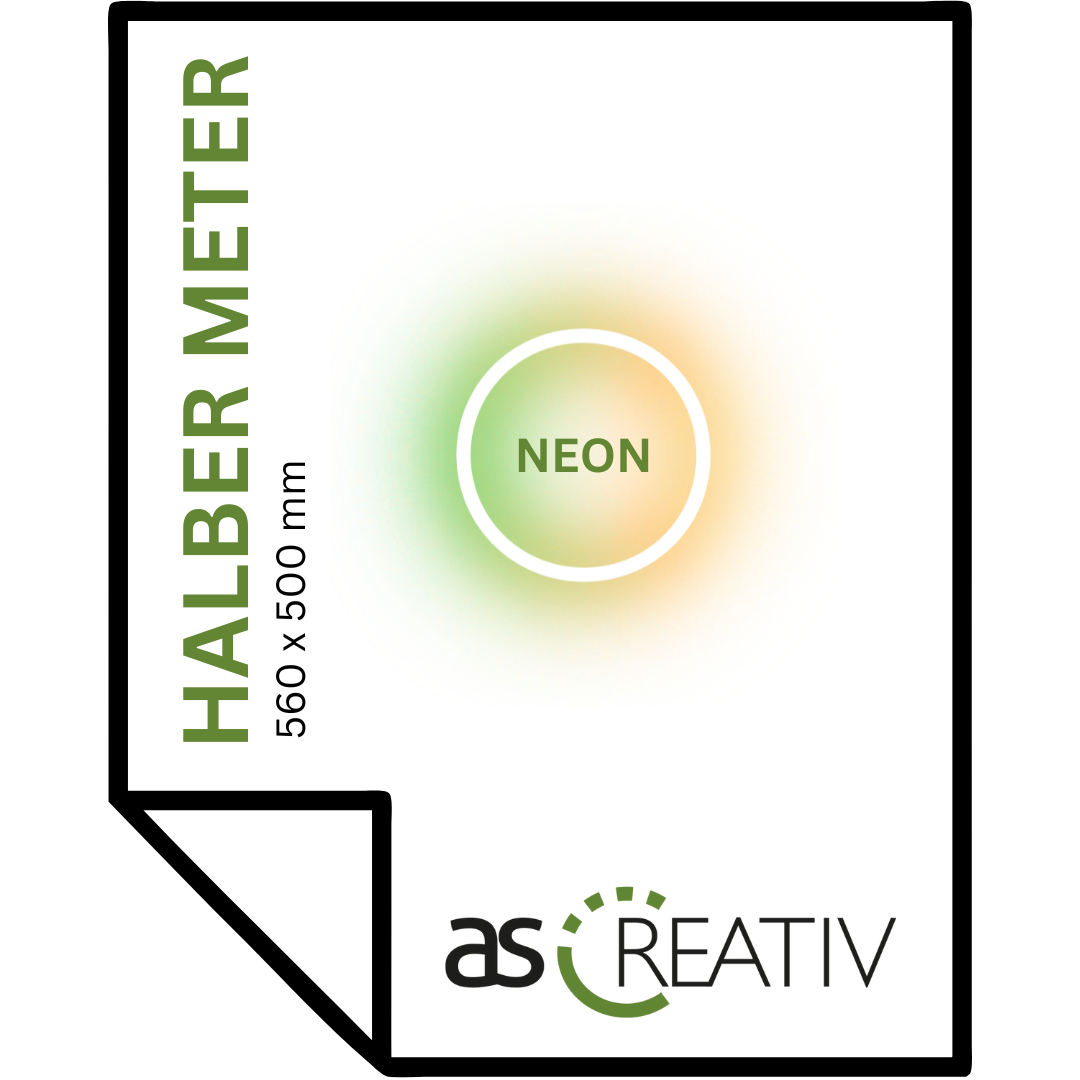
DTF-Transfer NEON | Half meter - 560 x 500 mm
DTF-Transfer NEON | Half meter - 560 x 500 mm
plus VAT & shipping costs (calculated at checkout)
OR:
Instructions (create print file)
Instructions (create print file)
With our innovative sheet configurator, you can easily create your DTF print data.
This powerful tool lets you combine multiple designs on a single print sheet, saving you both time and money. Thanks to automatic layout and a user-friendly interface, the entire process is incredibly easy and efficient. Upload your artwork and receive your print-ready file in no time.
Here's how it works:
- Click on “Create print file” .
- Upload one or more files at a time.
- Specify the desired size of your designs.
- Specify the number of designs.
- Click on “Generate new DTF sheets” to create the print sheet.
- Select "Show summary" to review the details.
- Enter your email address and confirm the print with "Confirm print" .
- The print data will be displayed in the shopping cart – simply order at checkout!
YouTube tutorial: Instructions
We are always happy to answer any questions you may have!
Couldn't load pickup availability
- Delivery time: 1-3 working days

Print data
Print data
- Place the designs and logos on the appropriately sized format.
- The printing process uses an extended color gamut through CMYK+BORG+W , thus offering even more vibrant colors than in the CMYK color space.
- Please submit the print file in a transparent format (without a background).
- File format: AI, PDF, PNG, ZIP
- Resolution: 300 dpi (recommended) or higher
- Please do not mirror the print file!
We naturally try to check the print data in advance, however we cannot guarantee against incorrectly transmitted data.
Press parameters
Press parameters
- Injection temperature: 110-130°C
- Compression pressure: medium pressure 2-3 bar (depending on the textile)
- Pre-pressing: 10 seconds
- Film can be peeled off hot, warm or cold
- Press again (if necessary): 3 seconds (use membrane or baking paper)
Washing instructions
Washing instructions
With DTF (Direct-to-Film) printing, the first wash of the textile should take place no sooner than 48 hours after printing . This waiting period allows the ink and powder adhesive to fully cure and bond optimally with the fabric.
Here are some additional tips to maximize shelf life:
1. Washing temperature: Washing the textile at max. 60 °C is recommended, max. 40 °C is recommended.
2. Gentle wash cycle: Use a gentle wash cycle and turn the garment inside out.
3. No fabric softener: Avoid using fabric softener, as it can impair print quality.
4. No dryer: Let the textile air dry to protect the print.
Product safety information
Product safety information
Manufacturer:
as Creative
Am Dörrenhof 21
85131 Pollenfeld
+49 151 62681266
info@as-creativ.de
Responsible person:
as Creative
Am Dörrenhof 21
85131 Pollenfeld
+49 151 62681266
info@as-creativ.de
Warnings: not required
Safety instructions: not required
 Order
Order
 Pressure
- Delivery